


Contact Us
Have a question, found a bug, or want to suggest a feature? We'd love to hear from you.
Send FeedbackFrequently Asked Questions
Tap the "+" button on the Garage screen to add a new bike. Enter your bike's details including make, model, year, and current hours/mileage. You can also add a photo to help identify your bike at a glance.
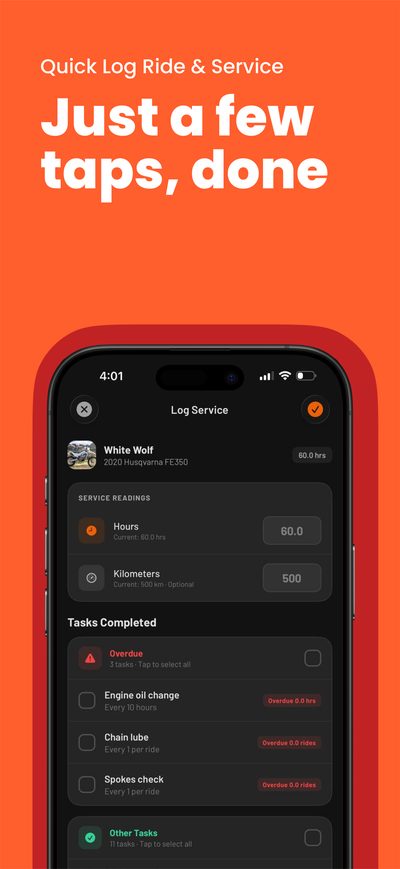
DIRTTIME supports four types of maintenance intervals:
- Hours: Service is due after a certain number of engine hours (e.g., oil change every 15 hours)
- Distance: Service is due after traveling a certain distance in km or miles
- Days: Service is due after a certain number of days (e.g., annual inspections)
- Per Ride: Tasks that should be checked before or after every ride
You can customize intervals based on your owner's manual or riding conditions.
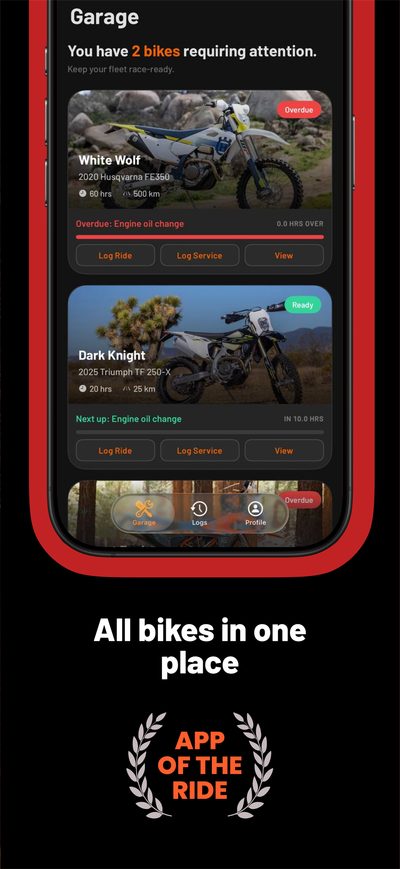
DIRTTIME uses three status indicators:
- OK (Green): Service is not yet due. You're good to ride!
- Due Soon (Yellow): Service will be due soon (within 90% of the interval). Plan to service soon.
- Overdue (Red): Service is past due. Address this before your next ride.
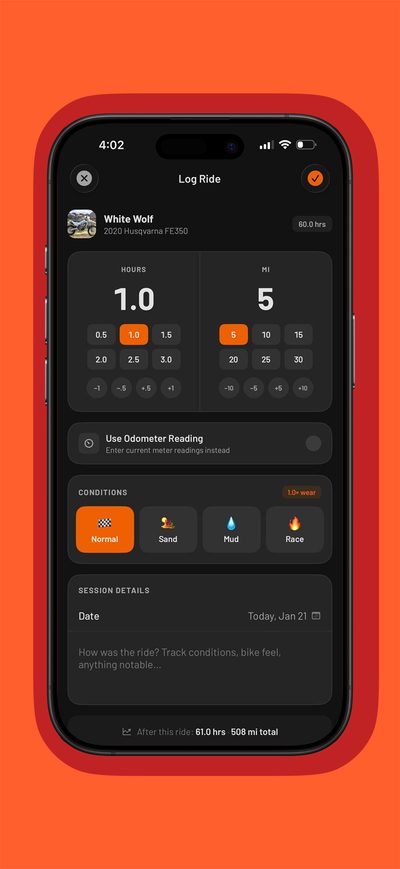
Riding in harsh conditions wears on your bike more than normal trail riding. DIRTTIME adjusts maintenance calculations based on terrain:
- Sand: 70% multiplier (1 hour in sand = 1.4 hours of wear)
- Mud & Water: 80% multiplier (1 hour = 1.25 hours of wear)
- Racing: 85% multiplier (1 hour = 1.17 hours of wear)
This helps ensure you service your bike more frequently when riding in demanding conditions.
Yes! Go to Settings and toggle between kilometers and miles. All your existing data will be converted automatically. You can switch anytime.
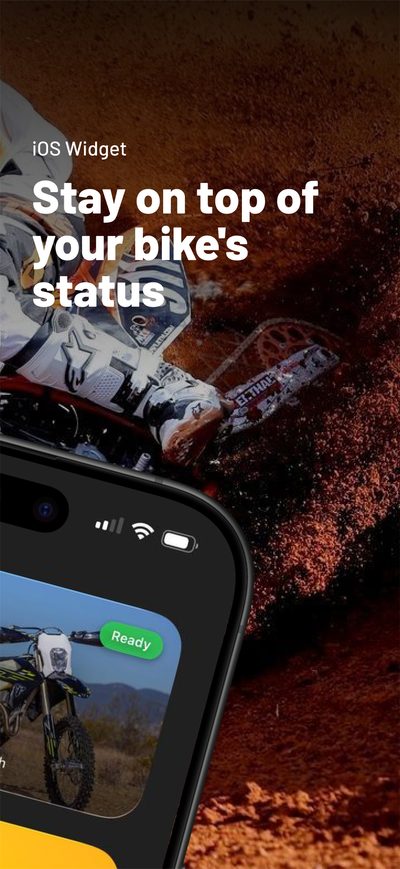
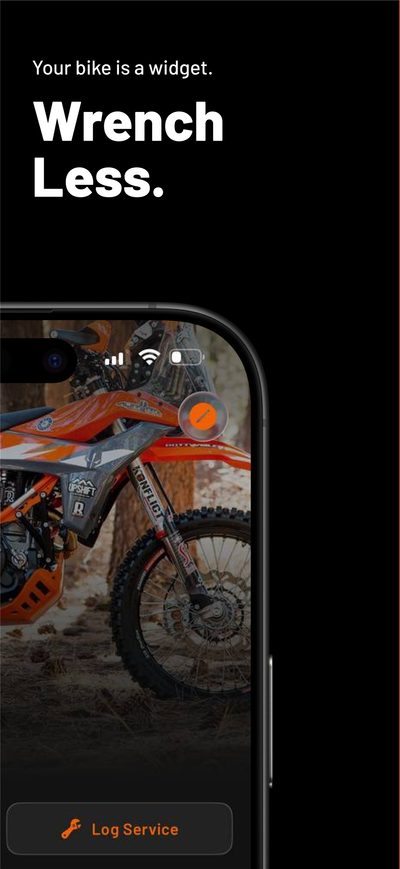
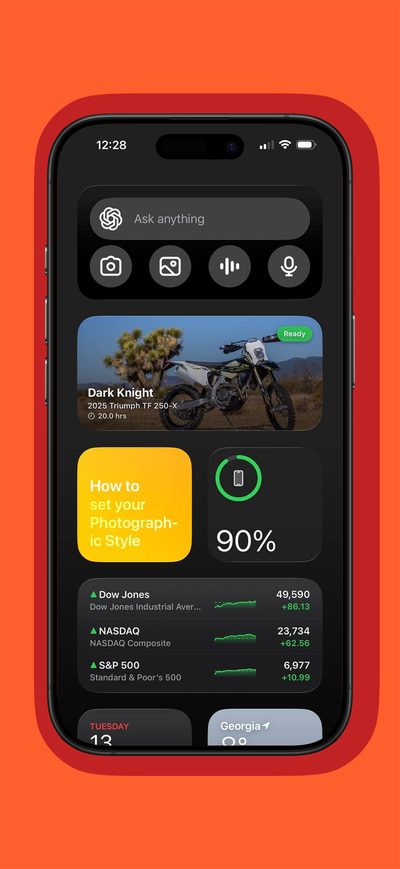
DIRTTIME includes iOS widgets that show your bike's maintenance status at a glance:
- Long-press on your home screen until apps jiggle
- Tap the "+" button in the top-left corner
- Search for "DIRTTIME" or scroll to find it
- Choose your preferred widget size
- Tap "Add Widget"
The widget will automatically update to show maintenance status for your bikes.
DIRTTIME stores all data locally on your device. To protect against data loss:
- Enable iCloud Backup on your device (Settings > [Your Name] > iCloud > iCloud Backup)
- Or regularly back up to your computer using Finder (Mac) or iTunes (Windows)
When you restore your device from a backup, your DIRTTIME data will be restored too.
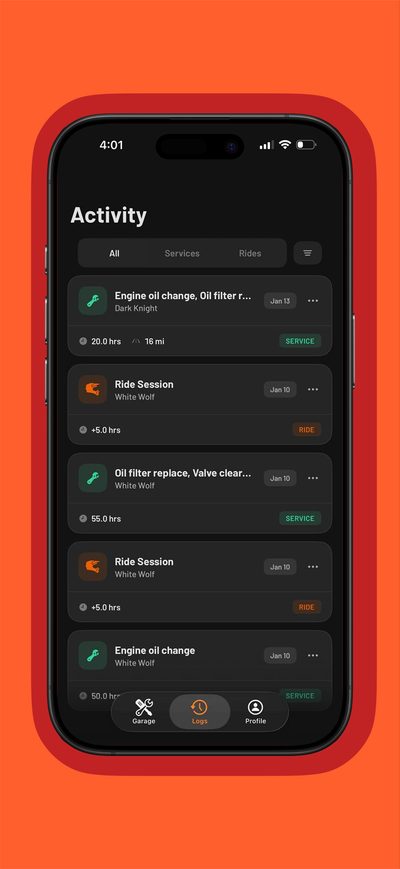
Yes! DIRTTIME supports unlimited bikes. Each bike has its own maintenance schedule, service history, and ride logs. Perfect for families with multiple riders or racers with different bikes for different conditions.
To delete a bike, go to the bike's detail page, scroll to the bottom, and tap "Delete Bike." This will remove the bike and all associated service and ride logs.
To reset all app data, uninstall and reinstall the app. This cannot be undone.
DIRTTIME is currently available on iOS only. We're evaluating Android support for the future. Sign up for our mailing list or follow us on social media for updates!
Tips & Troubleshooting
App running slowly?
Try closing and reopening the app. If issues persist, restarting your device often helps. Make sure you're running the latest version of iOS and DIRTTIME.
Widget not updating?
Widgets refresh periodically based on iOS guidelines. Open the main app to force a data sync with the widget. If the widget still shows old data, try removing and re-adding it.
Want to suggest a feature?
We're always looking to improve! Use our feedback form to send your feature requests. We read every submission.
Found a bug?
Please report bugs with: what you were doing, what you expected, what happened, and your device/iOS version. Screenshots help!